Antonio's Store
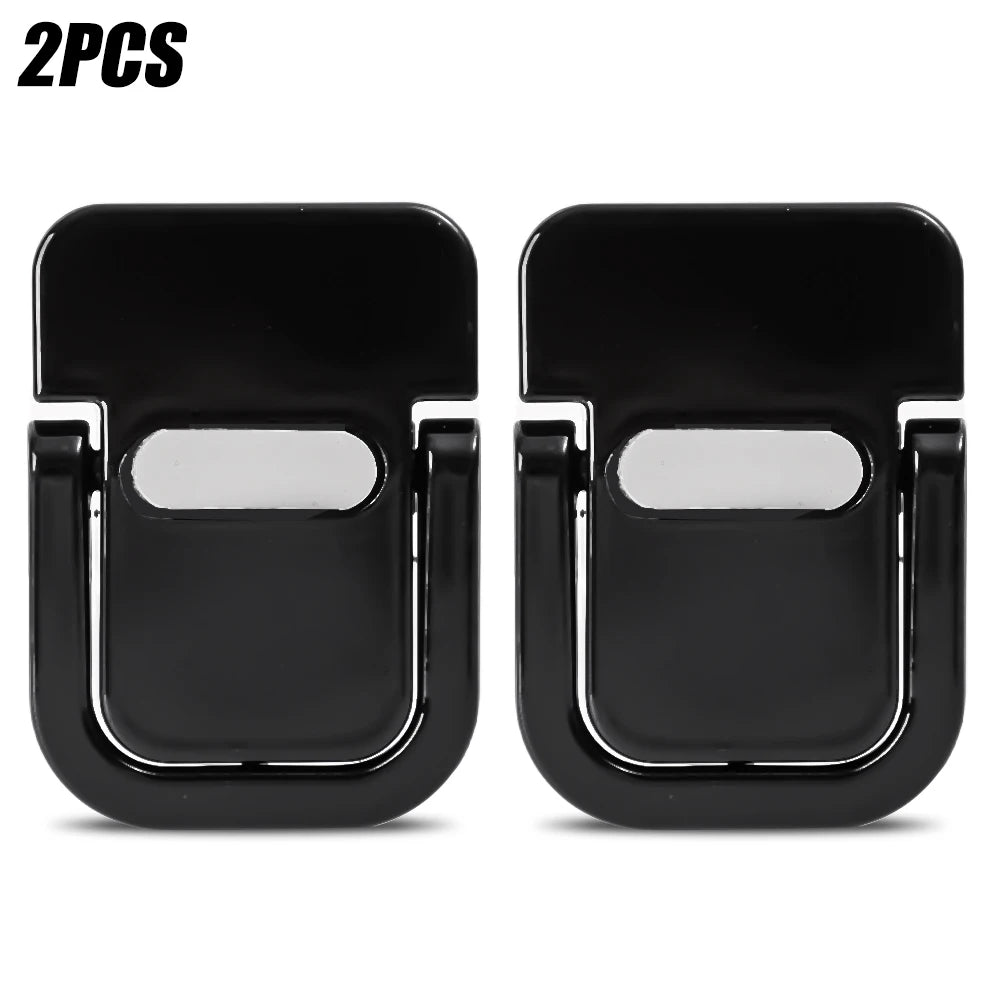
Mini Portable Laptop Stand Feet for Desk (2-Piece Set)
Mini Portable Laptop Stand Feet for Desk (2-Piece Set)
Key Features
✅ Ultra-Portable & Invisible Profile: An incredibly slim, minimalist design that adheres directly to the bottom of your device. It remains completely hidden when folded flat, allowing your laptop to fit into any sleeve or bag without added bulk.
✅ Heavy-Duty Zinc Alloy Build: Expertly forged from premium zinc alloy and reinforced with industrial ABS plastic. This rust-proof, non-deforming material easily supports up to 10kg (22 lbs) of heavy laptop weight.
✅ Natural Open-Air Heat Dissipation: By lifting your device to a comfortable typing angle, these feet create an immediate, unobstructed clearance underneath to maximize airflow and prevent overheating during heavy workloads.
✅ Reusable Washable Adhesive: Equipped with a high-strength, premium adhesive backing that locks firmly onto your laptop. The specialized compound can be washed, air-dried, and reused multiple times without leaving sticky residue behind.
✅ Anti-Skid Silicone Grip Pads: Features specialized soft silicone protective cushions on the base of each foot to prevent your workstation from sliding, shaking, or vibrating while typing rapidly.
✅ Universal Multi-Device Deployment: Sized at a micro-profile of 45 x 30 x 0.7 mm, this compact 2-piece pairing is universally compatible with MacBook, Dell, HP, Lenovo, and most standard keyboard bases.
Product Details
✔ Brand: Unbranded / Premium Mini Ergonomic Line
✔ Product Type: Mini Foldable Invisible Laptop Cooling Feet
✔ Material Composition: High-Strength Zinc Alloy, Premium ABS Plastic, and Non-Slip Silicone
✔ Micro Dimensions: Approximately 45 x 30 x 0.7 mm per foot
✔ Load-Bearing Capacity: Safely Supports up to 10kg / 22 lbs
✔ Pack Configuration: 1 Pair / 2 Pieces per Pack
✔ Mount System: Heavy-Duty Washable & Reusable Surface Adhesive
✔ High-Concerned Chemicals: None
Installation & Ergonomic Guide
💡 Setup & Adherence Tip: For the best results, wipe the bottom casing of your laptop with a little rubbing alcohol to remove dust and finger oils before applying the feet. Line them up evenly on the left and right sides near the back hinge of your device, press down firmly for 30 seconds, and let the adhesive bond for a few minutes before unfolding them.
| Stand Architecture | Structural Base | Core Mechanism | Primary Workspace Benefit |
| Micro Attachable Feet | Zinc Alloy & Silicone | Foldable Mechanical Hinges | Invisible Portability & Airflow |
Couldn't load pickup availability
Share